
Accounts receivable in QuickBooks

Get paid without chasing a paid invoice.

Late payment is usually a process problem: invoices that go out late, no easy way to pay, and reminders that depend on someone remembering. We set up and run the invoice-to-cash cycle in your QuickBooks file, and keep the A/R aging accurate so every reminder is right.

The cycle

Five Parts of the Invoice-to-Cash Cycle

  • Invoicing speed. Invoices raised as soon as work is delivered, because payment terms do not start until the invoice arrives.
  • Easy payment. Card and ACH options on the invoice, where you choose to accept them.
  • Reminders. A set sequence of reminders and statements that goes out from your QuickBooks file, under your business name.
  • Aging review. The A/R aging reviewed and flagged to you, so you decide on payment plans, credit holds and write-offs.
  • Cash application. Every payment applied to the right invoice and deposited to match the bank, so no one gets a reminder for an invoice they already paid.
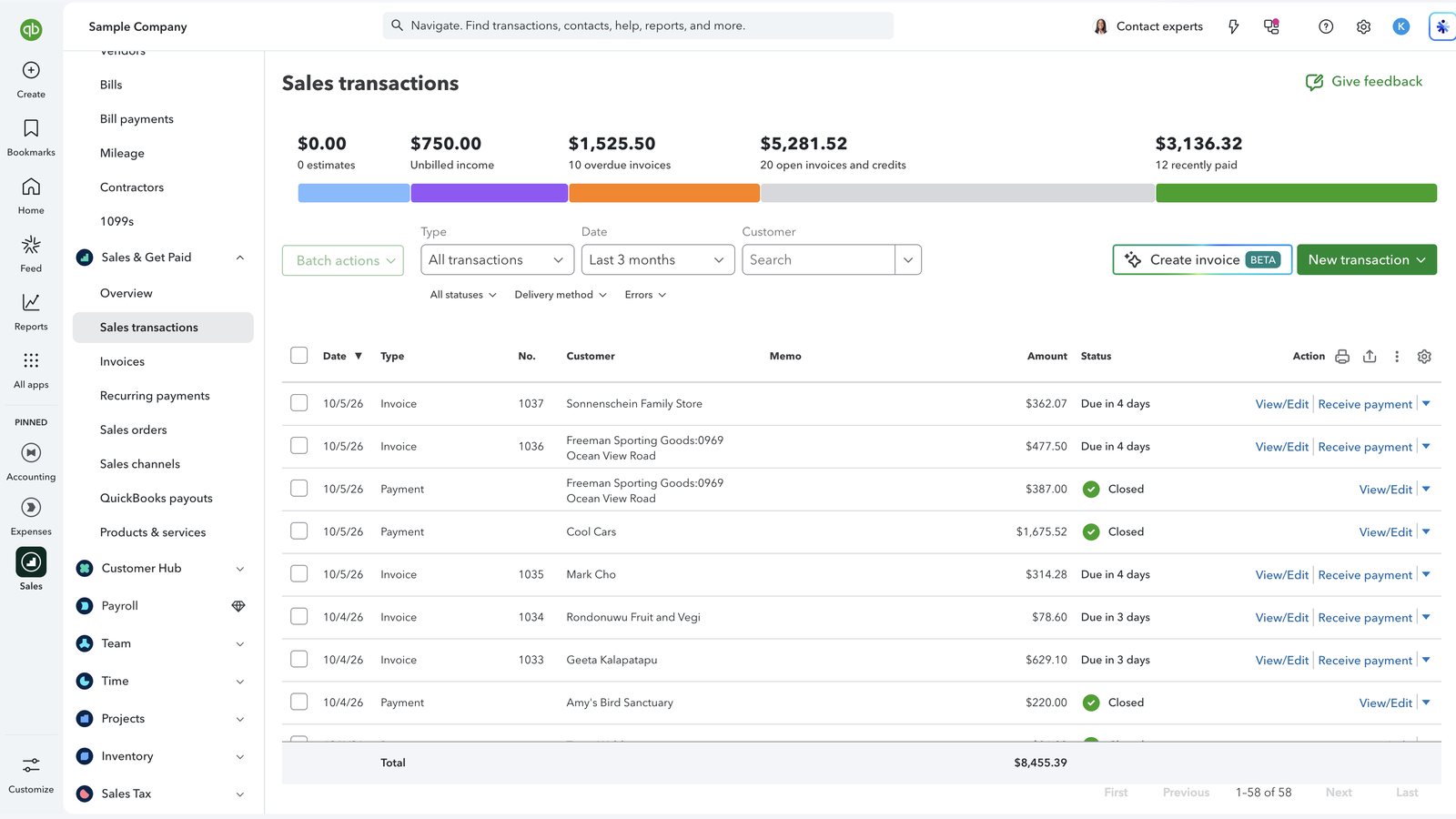
QuickBooks Online sales transactions with overdue, open and paid totals
Screenshot: the Sales transactions list in QuickBooks Online. The bar at the top shows unbilled income, overdue invoices, open invoices and recently paid amounts, and each line shows whether it is due or closed. This is QuickBooks software, not a Logiframe product, shown on Intuit’s sample company, and the figures are illustrative. QuickBooks is a trademark of Intuit Inc.

Reminders

What a Reminder Sequence Looks Like

An example for 30-day terms. The timing and tone are agreed with you.

TimingActionPurpose
Day 0Invoice sent with a pay-now optionStart the clock and make paying easy
A week before dueCourtesy reminderCatch invoices stuck in the customer’s own approval process
Day after dueOverdue noticeConfirm the due date is real
About a week laterSecond notice and statementShow the full position and remove “which invoice?”
Day 60Account flagged to youPut the decision in front of you while there is time to act

Phone calls, payment plans, credit holds and recovery are your decisions and your conversations. We give you the full history so you can act quickly.

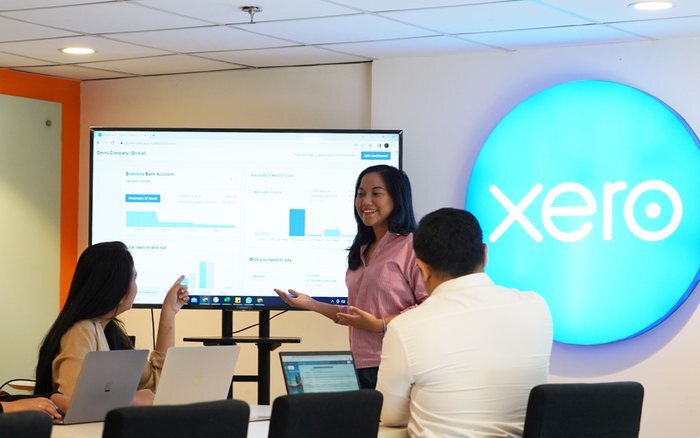
Logiframe team members working on laptops in a meeting room.

Features

QuickBooks Features That Carry Receivables

  • Invoices and recurring invoices. Regular billing scheduled so it never depends on memory.
  • Online payments. Card and ACH payment links on the invoice, if you use QuickBooks Payments.
  • Automatic reminders and statements. Configured to your sequence and wording.
  • Receive payment and deposits. Payments applied to invoices and grouped into deposits that match the bank.
  • Credit memos. Credits applied to the right invoice rather than left floating on the account.
  • A/R aging. Tied to the balance sheet every month.
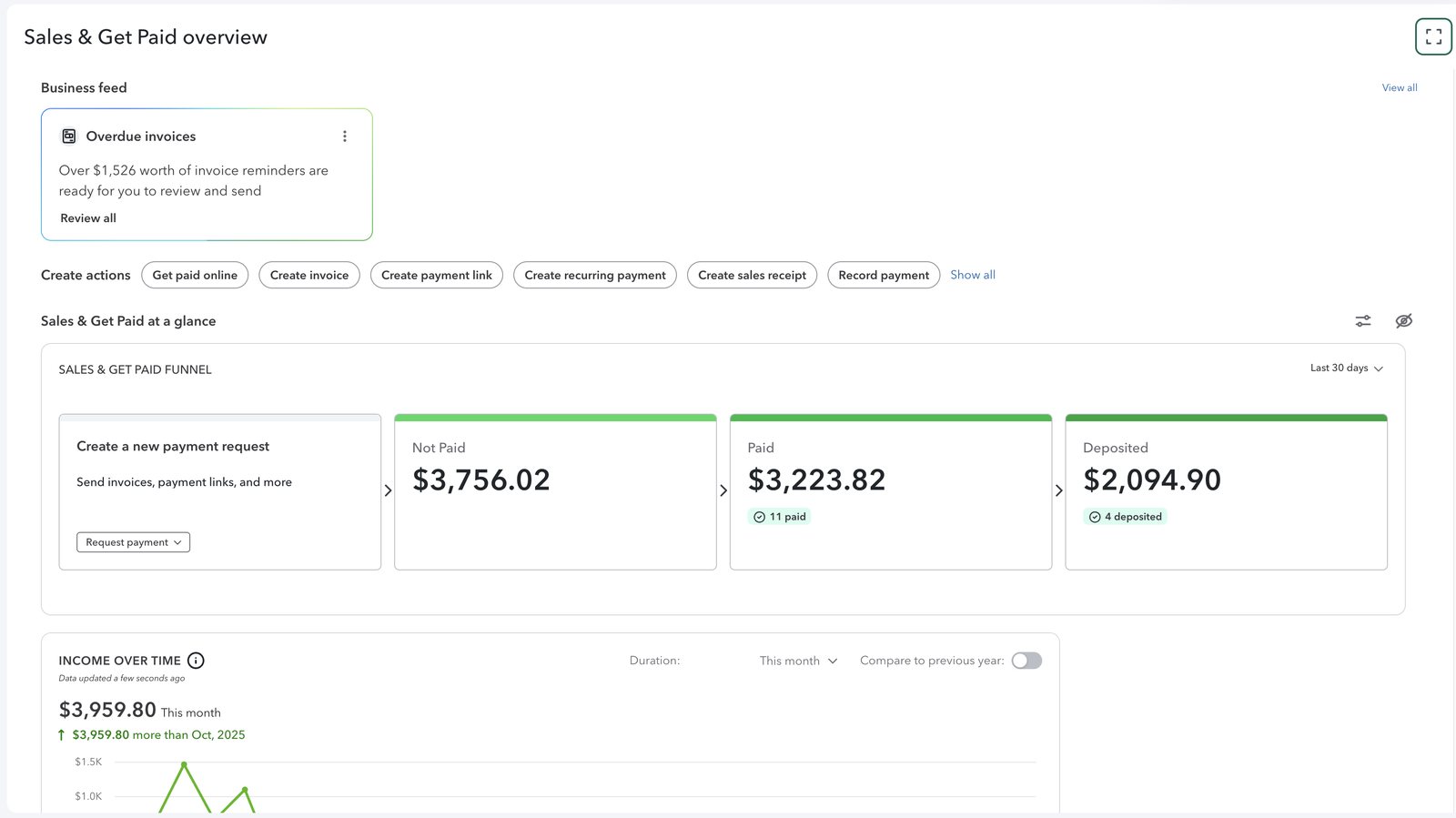
QuickBooks Online Sales and Get Paid overview with not paid, paid and deposited totals
Screenshot: the Sales & Get Paid overview in QuickBooks Online. The funnel separates invoices not paid, paid and deposited, which is the path every payment should follow. This is QuickBooks software, not a Logiframe product, shown on Intuit’s sample company, and the figures are illustrative. QuickBooks is a trademark of Intuit Inc.

Pricing

How It Is Priced

AR management is an add-on to a QuickBooks bookkeeping package.

PackagePriceWhat it covers
AR managementFrom $100/monthThe receivables cycle above, added to bookkeeping
Monthly bookkeepingFrom $399/monthThe ledger, reconciliations and close that AR depends on
Weekly bookkeepingFrom $599/monthThe same cycle, worked every week

We are not a collection agency and do not make credit decisions. Those stay with you.

Questions

QuickBooks Accounts Receivable, Answered

What does an outsourced accounts receivable service do in QuickBooks?
It gets invoices out on time with easy ways to pay, runs an agreed reminder sequence from your file, applies payments to the right invoices, and keeps the A/R aging accurate and reviewed with you.
Are the built-in QuickBooks reminders enough?
For many small businesses, yes, once they are configured to a clear sequence and the ledger is kept accurate. Businesses with many customers or complex terms sometimes add a dedicated app.
Will my customers know you are not part of my company?
Reminders and statements go out from your QuickBooks file under your business name, in wording you approve.
How do I reduce days sales outstanding?
Invoice faster, remind before the due date, offer card and ACH payment on the invoice, and apply your terms consistently to every customer.
Are you a debt collection agency?
No. We run the invoicing and reminder process and keep the records. Formal recovery is your decision, and we give you the full history to hand to a licensed agency or your attorney.
How much does QuickBooks accounts receivable management cost?
AR management starts from $100/month as an add-on to a bookkeeping package, which starts from $399/month.
QuickBooks ProAdvisor, Elite A team certified in QuickBooks Online, Intuit Enterprise Suite and Workforce.
Xero Gold Partner Certified advisors, with Xero as the platform our depth genuinely sits in.
13+ years in practice Across accounting outsourcing, ERP and accounting software work.

Find out what your aging is really telling you.

Tell us which QuickBooks you are on and how invoices and reminders go out today.

Book a free 30-minute call See packages & pricing